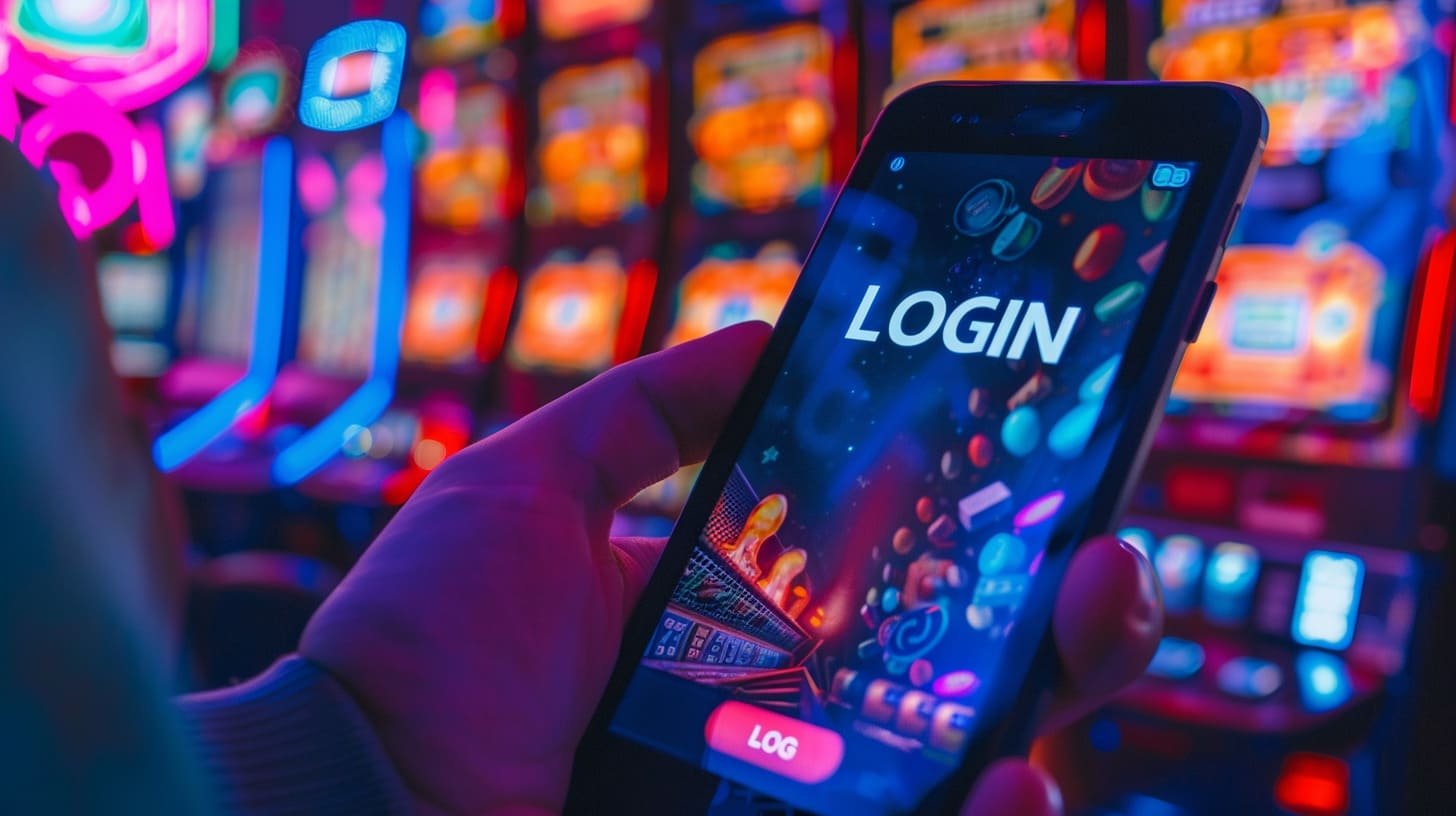
Get the latest version of the QB66 app directly on your phone. A simple, secure, and fast download and installation process — suitable for all users regardless of technical skill level.
QB66 provides an official mobile app for two major platforms. Choose based on your device and follow the installation guide provided.
Official APK file that can be installed directly without going through the Google Play Store
Install as a PWA (Progressive Web App) directly from Safari — no jailbreak required
In the increasingly competitive world of online entertainment, QB66 has established itself as one of the most trusted platforms among Malaysian players. Since its launch, hundreds of thousands of users have downloaded the QB66 app and made it their go-to choice for daily entertainment — and there are solid reasons why that number keeps growing every day.
What sets qb66 apart from other platforms is not just the number of games on offer, but how the entire user experience is designed. When you download the qb66 app, you are not simply getting access to slot games or sports betting — you get a complete entertainment ecosystem that is well-organized and accessible from anywhere with an internet connection.
The QB66 app is built with the real needs of Malaysian users in mind. This means a user-friendly interface in Bahasa Malaysia, support for local payment methods such as Maybank2u, CIMB Clicks, Touch 'n Go eWallet, and Boost, as well as customer support operating 24 hours a day, 7 days a week in the language you understand.
One of the most common complaints players raise about other platforms is lag — slow-loading pages, games stuttering at critical moments, or withdrawals taking days to process. QB66 takes all this feedback seriously and makes performance the top priority in every app update.
As a result, the QB66 app can now load the home page in under two seconds on a standard 4G connection. Live Casino games run without interruption even on moderate internet speeds, and QB66's internal transaction processing system ensures your deposits are credited in real time while withdrawals are completed in a very short timeframe for VIP members.

Follow these simple steps to install the QB66 app on your Android phone. The entire process takes less than three minutes.
Open your phone's Settings → Security → enable the "Install apps from unknown sources" or "Allow from this source" option. This step only needs to be done once and can be disabled again after installation is complete.
Use Chrome, Firefox, or your phone's default browser. Make sure you only access the official QB66 website — avoid downloading APKs from unknown third-party sources.
Find the download button for the Android version and tap it to start the download. The QB66 APK file is only about 2 MB in size, so the process takes just a few seconds even on a slow data connection.
Once the download is complete, open your notification panel or file manager and locate the QB66 APK file. Tap the file to begin the installation process.
Tap "Install" when prompted. After a few seconds, the qb66 icon will appear on your home screen or app drawer. Tap it to launch the app and log in or register a new account.
Important Note: Every time you open the QB66 app for the first time after installation, the system will automatically check for updates. Make sure your internet connection is active during this process.
Security Tip: Never download the QB66 APK from WhatsApp or Telegram links shared by unknown parties. Always use links from the official website qb66.pro to keep your device safe.
Official QB66 digital certificate
All data is encrypted
Fingerprint & Face ID
Third-party tested
IOS users can install QB66 as a PWA directly from Safari without requiring a jailbreak or special configuration profile.
Make sure you use the Safari browser that comes with your iPhone or iPad. The PWA method does not work through Chrome or Firefox on iOS — Safari is the only option for this process.
Type the qb66 website address into the Safari address bar and wait for the page to fully load. Make sure your internet connection is stable before proceeding to the next step.
At the bottom of the Safari screen, look for the "Share" icon — it appears as a box with an arrow pointing upward. Tap the icon to open the share options menu.
Scroll down in the share menu and look for the "Add to Home Screen" option. Tap it and name the shortcut whatever you prefer.
Tap the "Add" button in the top-right corner. The qb66 icon will now appear on your iPhone home screen. Once opened, it runs just like a native app — full screen with no Safari URL bar.
More than just a regular gaming app — QB66 is a complete entertainment platform built specifically for Malaysian users.
Full access to thousands of slot titles from the world's leading providers, including Pragmatic Play, Spadegaming, and Joker Gaming.
Baccarat, roulette, blackjack, and sic bo tables with real human dealers running around the clock.
Live sports odds cover the Malaysia Super League, EPL, NBA, plus esports wagering for Dota 2, CSGO, and Mobile Legends.
Supports all Malaysian payment methods — Maybank, CIMB, Public Bank, Touch 'n Go eWallet, Boost, and GrabPay — directly within the app.
Members who register via the app are eligible for exclusive mobile promotions, including a welcome bonus and weekly reload offers.
The QB66 support team is available via in-app live chat at any time — fast responses in both English and Bahasa Malaysia.
Before you begin the download process, there are a few basic things worth knowing to make your installation experience go more smoothly. While the overall process is very straightforward, understanding the minimum device requirements and security steps will help you avoid any unnecessary issues.
The QB66 Android app is designed to run smoothly across a wide range of devices — not just the latest or premium models. Here are the recommended minimum requirements:
Popular phones in Malaysia such as the Redmi Note series, realme C and Narzo series, Samsung A series, OPPO A-series, and vivo Y-series all meet these minimum requirements and can run the qb66 app without any noticeable performance issues.
For iPhone and iPad users, the minimum requirements are as follows:
This is a frequently asked question, especially from users on limited data plans. The short answer — no. QB66 has carefully optimised the app's data usage. When playing regular slots, data consumption is around 2–5 MB per hour. For Live Casino games with video streaming, data usage is higher at around 30–60 MB per hour, which is comparable to watching a YouTube video in standard quality.
For users on a home or office Wi-Fi connection, this is not a concern at all. And for mobile data users, playing slots or sports betting on the QB66 app won't drain your data quota nearly as fast as watching videos online.
Yes, fully. Your qb66 account is a universal account accessible from an unlimited number of devices — whether Android phones, iPhones, tablets, or laptops. All credit balances, game history, VIP levels, and active bonuses are always synced in real time across every device you use.
This means you can start a gaming session on your phone during your commute home from work, then continue on your computer at home without losing any progress or credits. This flexibility is one of the reasons QB66 is the top choice for Malaysian players who value seamless access across multiple devices.
Device Requirements at a Glance
Answers to the most frequently asked questions from Malaysian users about the QB66 app download and installation process.
Join over 500,000 Malaysian players who have already made QB66 their go-to entertainment choice. Download the app for free, register in 2 minutes, and start playing today.
Free to download · Safe to install · 24/7 Support